KliemSoft runs where your business works: on Windows, on the Mac – with an Intel processor or Apple silicon – and as a server on Linux. Interface, features and data are the same on all systems. You choose an operating system, not a different application.
Desktop app for Windows 11 (64-bit) with installer. PRO server also as a Windows service.
Separate packages for Apple silicon (M1 to M4) and Intel Macs, macOS 13 Ventura or later, signed with an Apple Developer ID.
PRO server on Debian, Ubuntu and other distributions or in a Docker container. Operated in the browser.
| Windows | macOS | Linux | |
|---|---|---|---|
| Desktop app (Single) | Windows 11, x64 | 13 Ventura or later, Apple silicon and Intel | – |
| Desktop app as PRO workstation | yes | yes | – |
| PRO server | Windows 11 Pro, Windows Server, Docker Desktop | yes, as a background service | systemd service or Docker |
| Working in the browser (PRO) | yes | yes | yes – Firefox, Chrome |
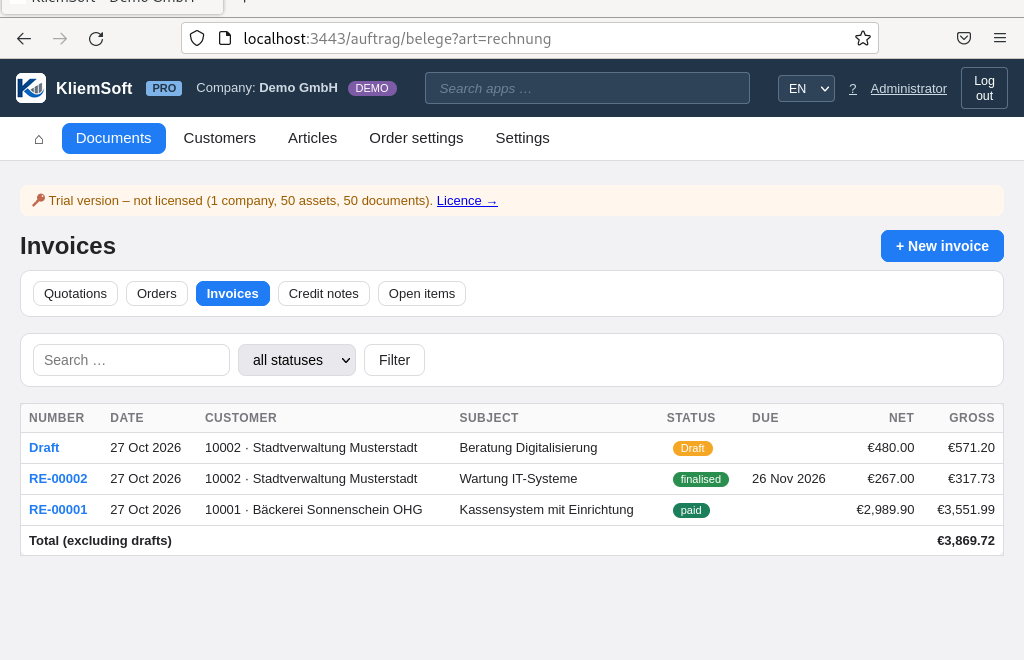
On Linux you use KliemSoft PRO: the server runs on your Linux system, and you work in the browser – on Linux, Windows, macOS or the iPad. There is no separate desktop app for Linux.
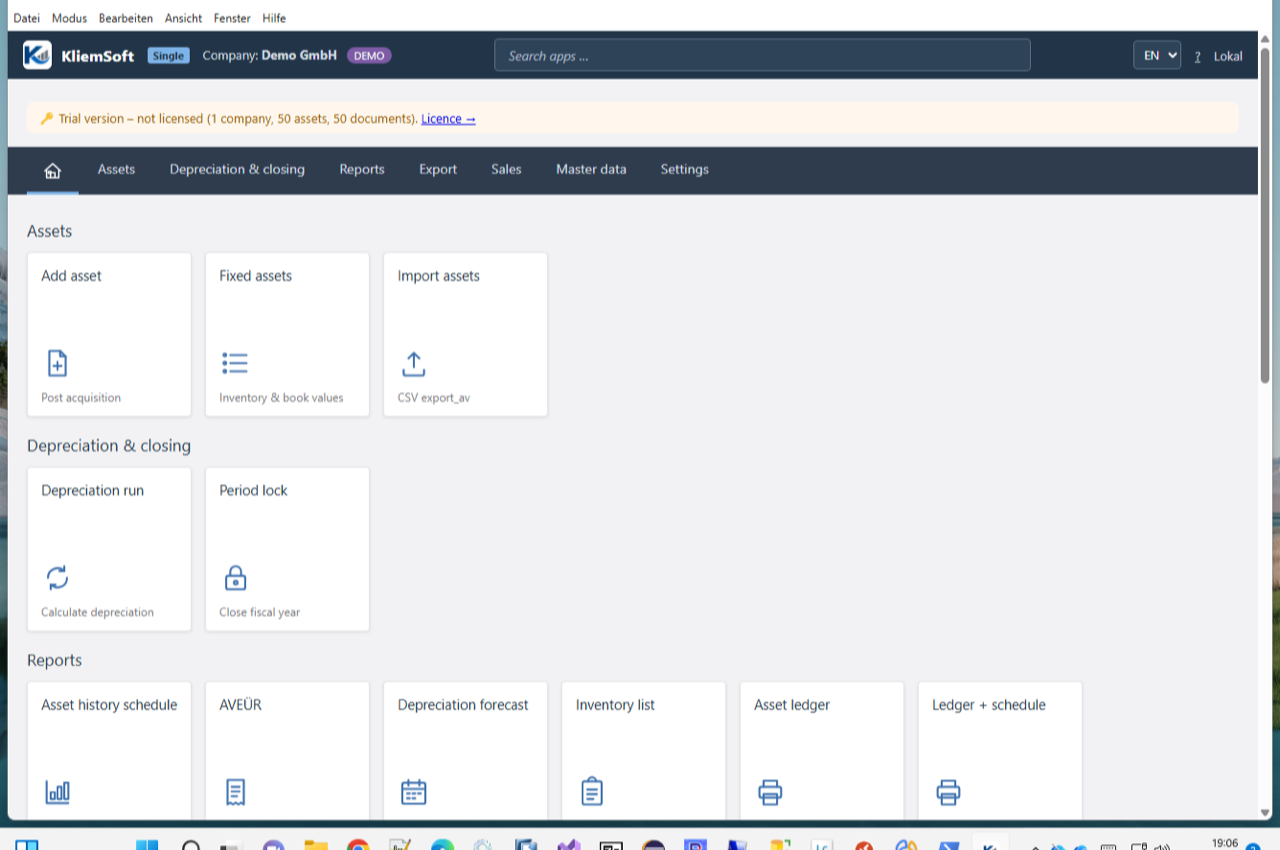
The installer sets up KliemSoft with a Start menu entry; you choose the installation folder yourself. Company files open with a double click. In the company network, the PRO server can also run as a Windows service.
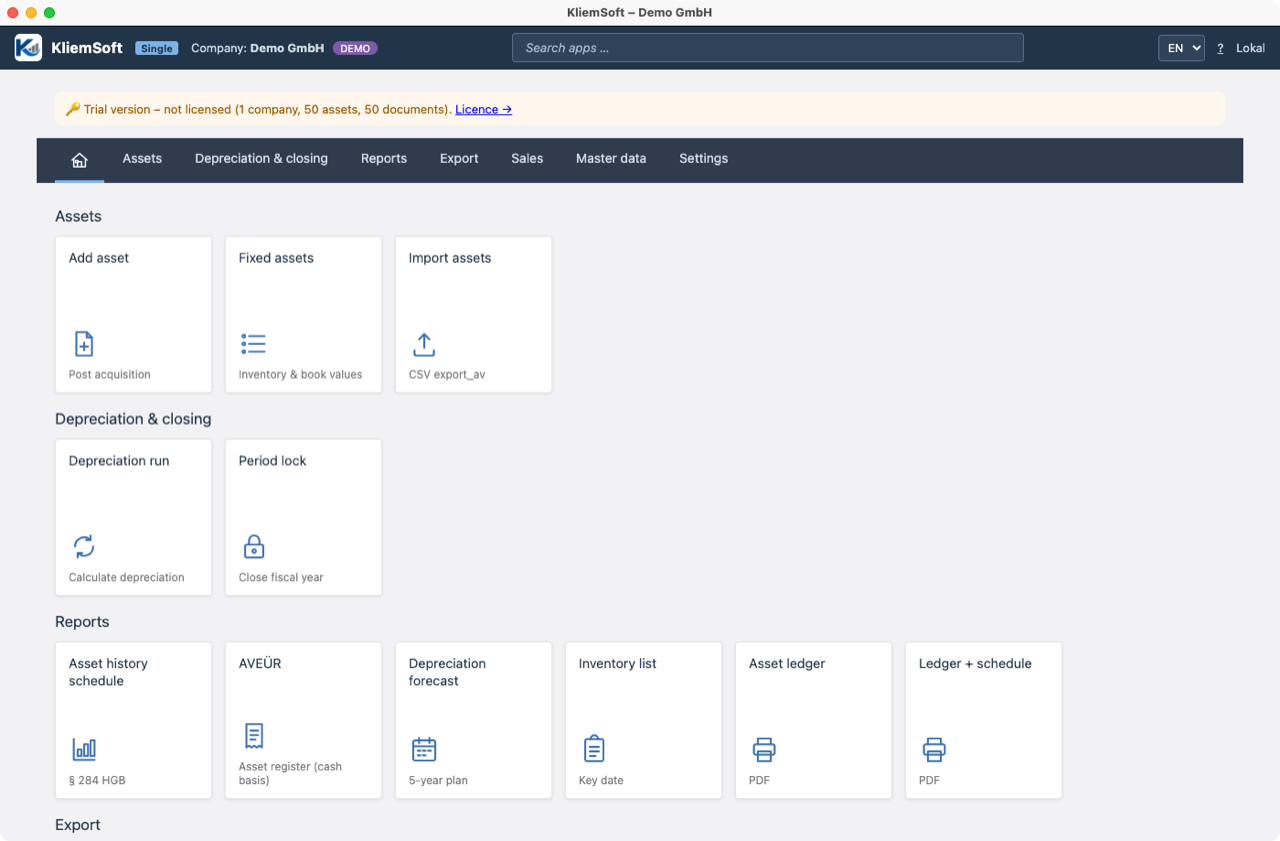
There is a matching package for every Mac: arm64 for Macs with an Apple chip (M1, M2, M3, M4) and x64 for Macs with an Intel processor. KliemSoft therefore runs natively on both architectures, without a translation layer. The app is signed with an Apple Developer ID.
KliemSoft PRO consists of the server with a PostgreSQL database and the workstations. On Linux, an installation script sets up the server as a systemd service, including a nightly backup. Alternatively, you start server and database with Docker Compose. Users work in the desktop app on Windows and macOS or directly in the browser.
Request trial versionCompare Single and PRO
The screenshots show KliemSoft 0.27 with the sample company of the trial version, taken on Windows 11, macOS 15 and Debian 12.
 KliemSoft